
Is OnlyFans Private? The Truth About Your Hidden Data
OFExplorer Team
Published: Jul 15, 2026 • 6 min read
When you are dealing with sensitive content and credit card information, the most common question that haunts both new creators and subscribers is simple: is OnlyFans private?
The platform promises absolute discretion, but the internet is full of horror stories about leaked content and exposed identities. In this guide, we are going to dive deep into the platform's infrastructure to see exactly how safe your data really is.
How Private is OnlyFans for Subscribers?
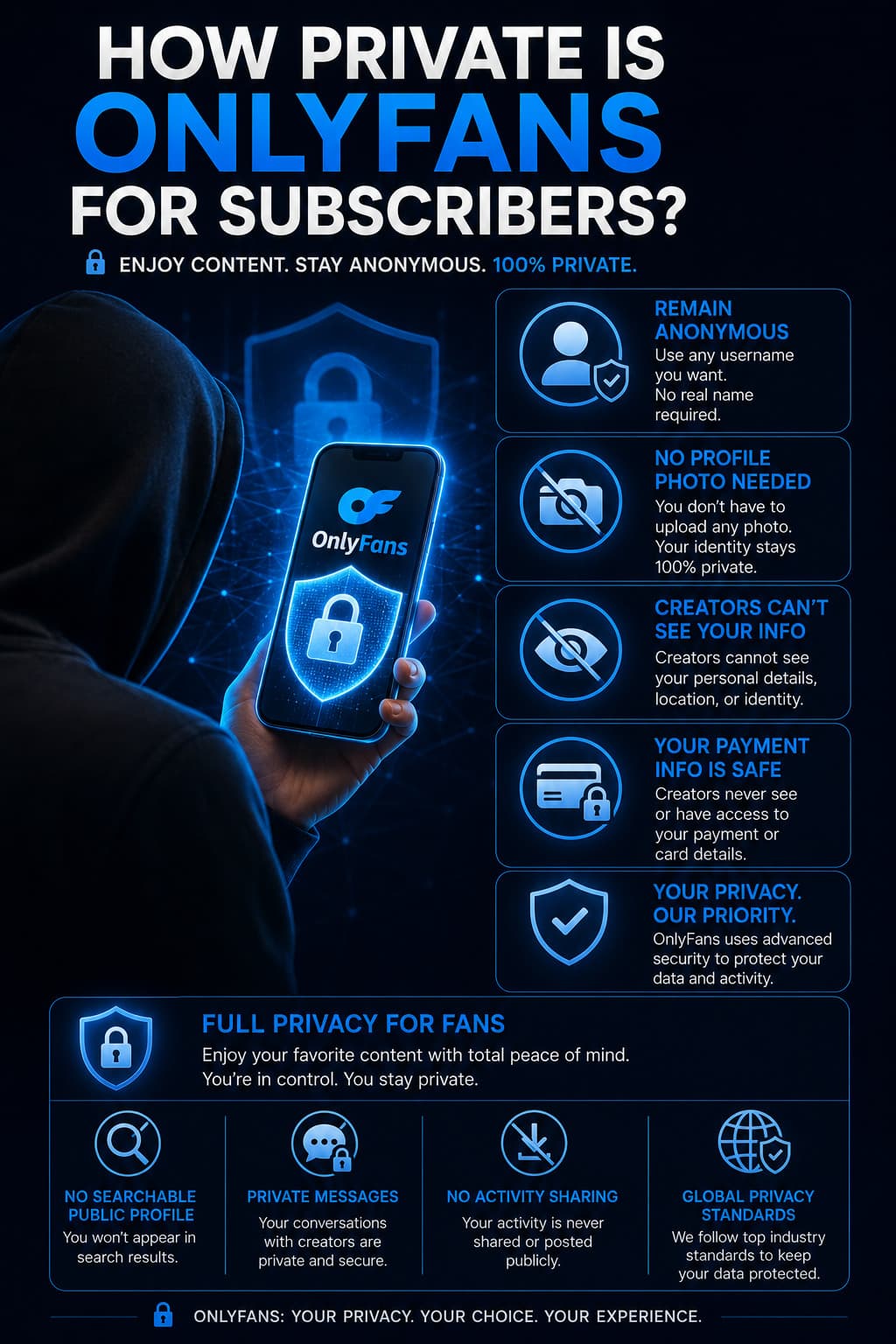
If you are a fan simply looking to support your favorite creators, your privacy is heavily guarded by default.
Is OnlyFans private for buyers? Absolutely. When you create an account, you are not required to upload a profile picture or use your real name. You can browse completely anonymously using a pseudonym.
Furthermore, creators cannot see your credit card information, your real name (unless you use it as your username), or your location. The only thing a creator sees is your display name, your profile picture (if you have one), and the amount of money you have spent on their page.
How Private is OnlyFans for Creators?
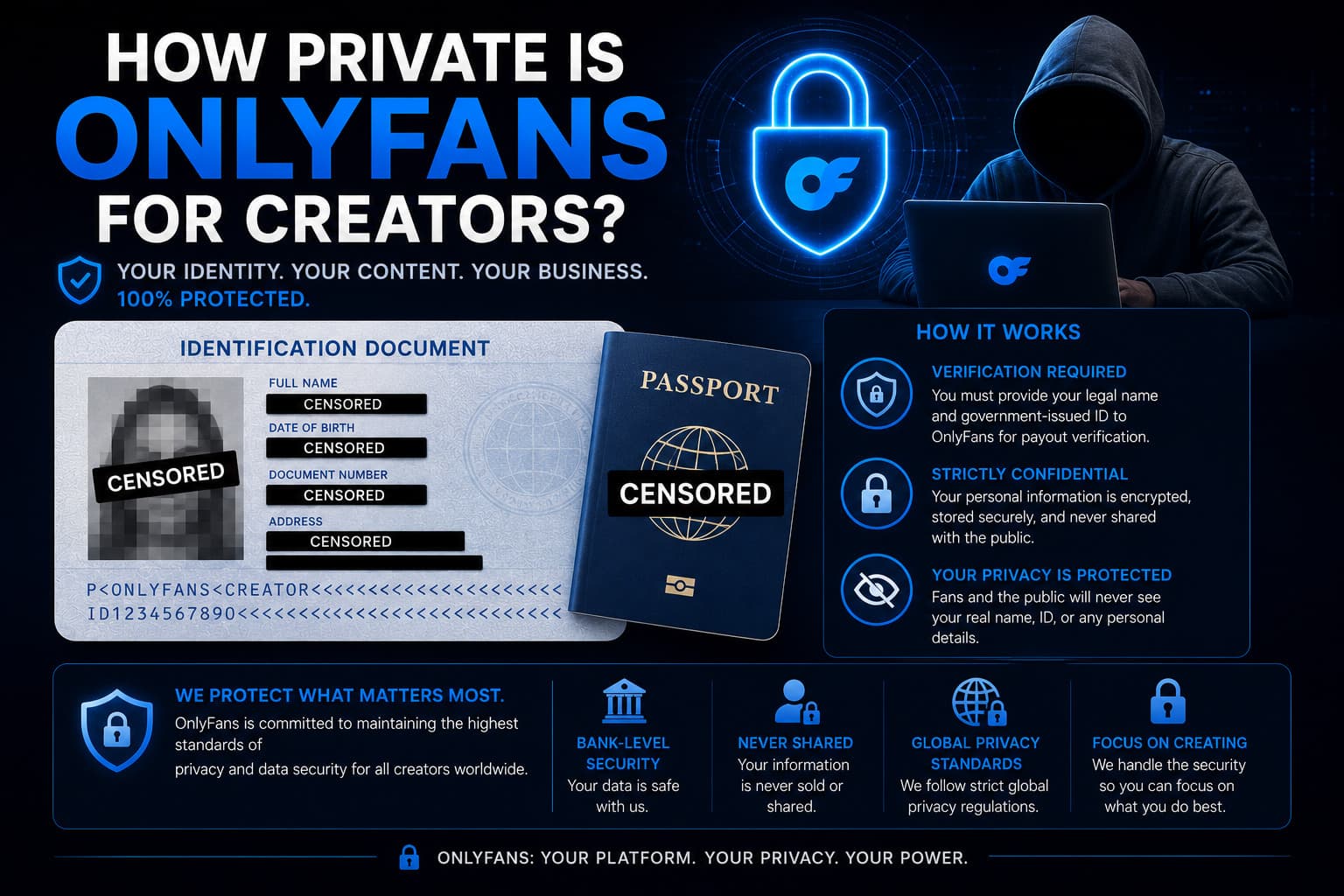
For creators, the privacy landscape is much more complex. You have to balance the need to promote your page with the desire to keep your personal life hidden.
So, how private is OnlyFans for creators? It depends entirely on how you configure your OnlyFans privacy settings.
- The Real Name Dilemma: To get paid, you must give the platform your legal name, physical address, and government ID. However, this is strictly for banking and tax purposes. Your legal name is never displayed to the public or your subscribers unless you choose to make it your display name.
- Watermarking: One of the best built-in tools is the automatic watermarking feature. You can set it so that every photo and video you upload automatically has your OnlyFans ID stamped on it. If someone leaks your content, you will know exactly where it came from, making DMCA takedowns much easier.
- Active Status: By default, OnlyFans shows when you were last online. If you want maximum privacy, you should dive into your settings and turn off your "Activity Status." This prevents stalkers from tracking your daily routine.
Mastering OnlyFans Privacy Settings
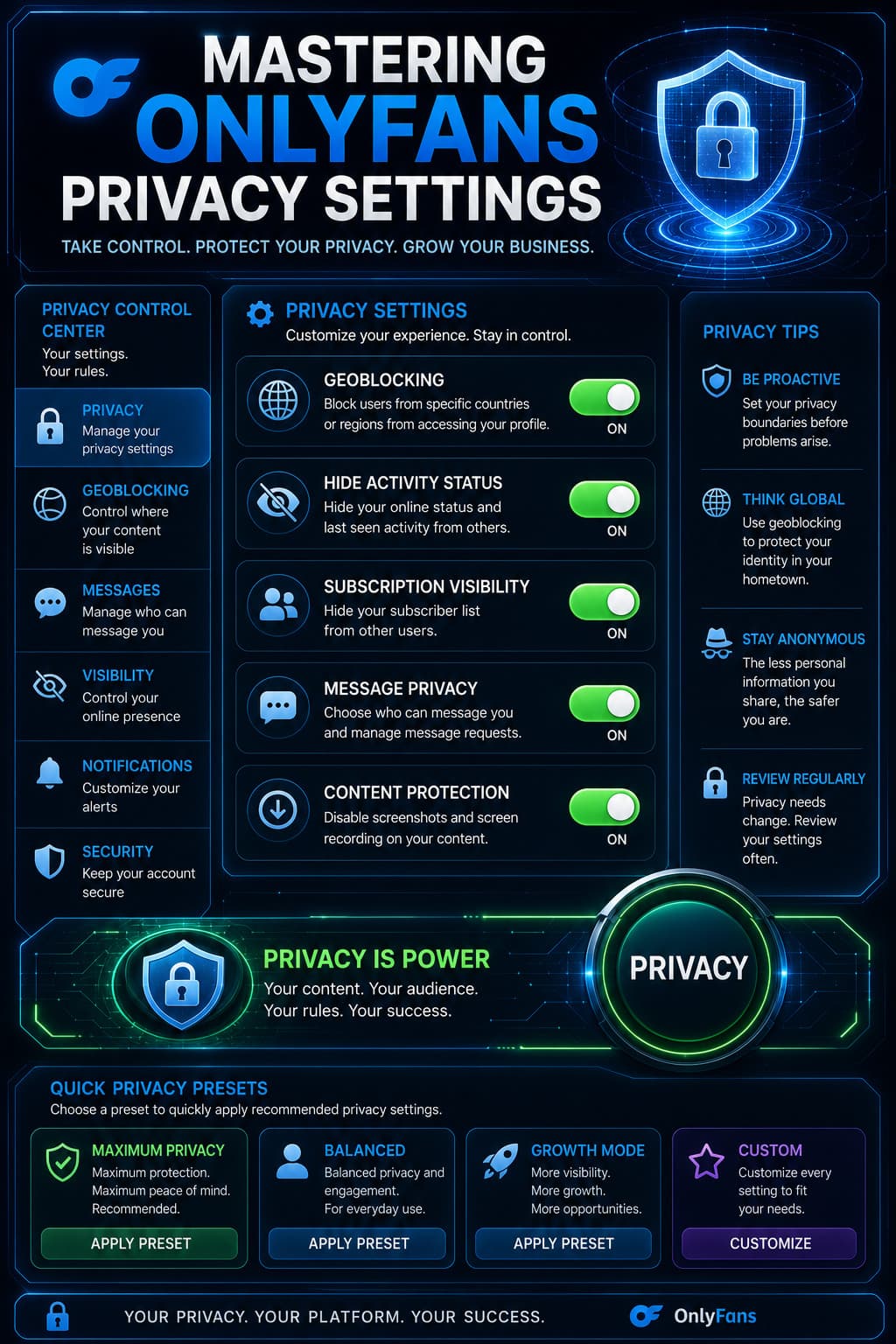
If you have genuine OnlyFans privacy concerns, you need to take control of your account immediately. The platform gives you several powerful tools, but you have to turn them on manually.
- Geoblocking: As mentioned in our other security guides, this is your nuclear option. You can block entire countries or specific IP addresses from viewing your page.
- Fully Private Accounts: Unlike Instagram, you cannot make a "paid" OnlyFans account truly private where you manually approve every follower. If someone pays the subscription fee, they get access. However, if you run a "Free" page, you can set it so that you must approve every single follower request before they see your content.
- Blocking Users: If a subscriber becomes problematic, you have the power to instantly block them. When you block someone, they immediately lose access to your content, and their subscription is canceled.
Ultimately, the platform provides the tools, but it is your responsibility to use them. Keep your passwords strong, always use Two-Factor Authentication (2FA), and never share your login credentials with third-party "marketing agencies."